A LITTLE MORE TO KNOW
Good questions.
What do the numbers mean?
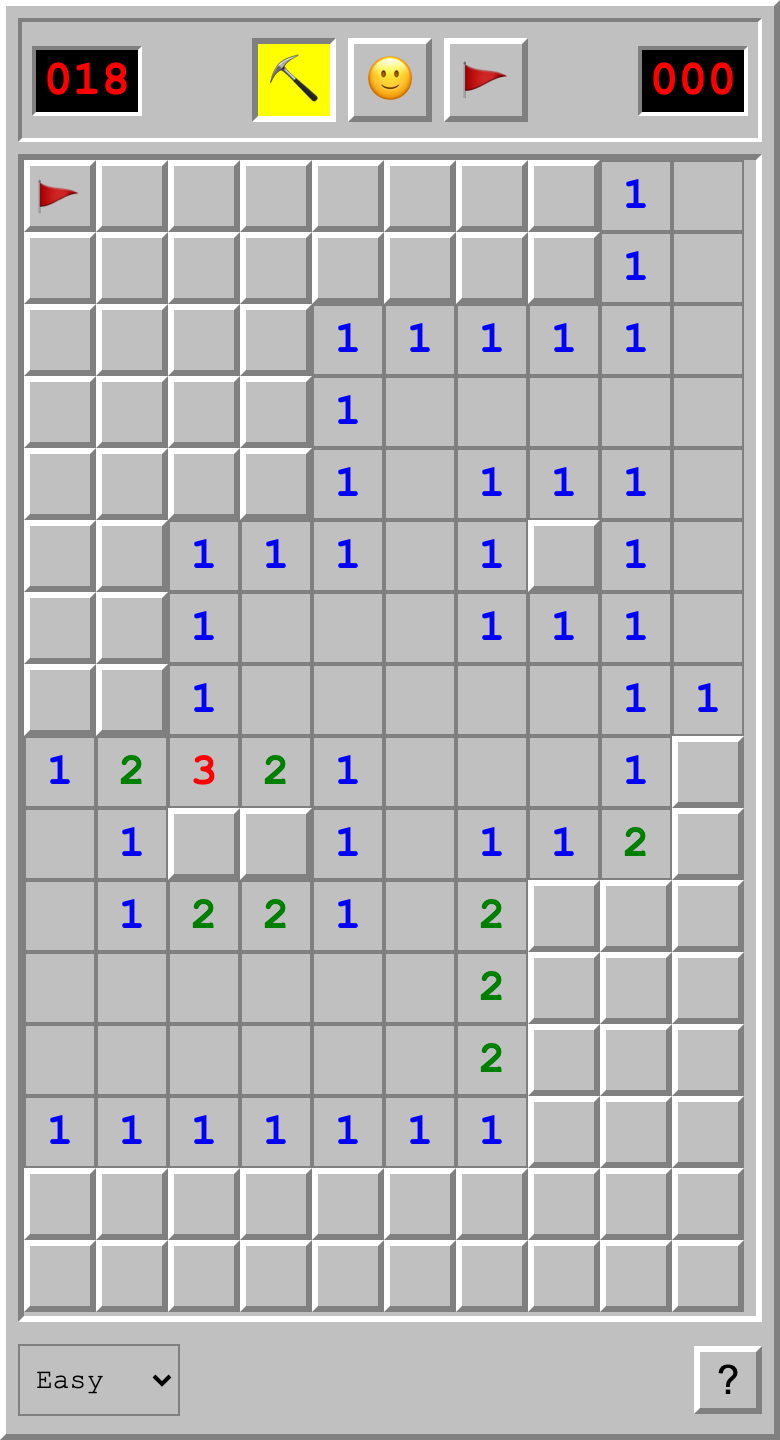
Each number counts mines in the eight surrounding squares, including diagonals. Use those clues to flag likely mines and open safe squares. Reveal every safe square to win; flags alone do not complete the board.
How do I place or remove a flag?
Hold a square, right-click it, or select 🚩 and tap it. Repeat to remove the flag. Switch back to ⛏️ to reveal squares. On a keyboard, use the arrows to move, Enter to reveal, and F to toggle a flag.
Can I open several squares at once?
Tap a revealed number when the flags around it match its count. This opens its remaining unflagged neighbors. The flags must be correct: a misplaced flag can cause you to reveal a mine.
Is the first move safe? How do I restart?
Yes. The first square and its neighbors are kept free of mines. Tap the smiley to restart immediately. Easy, Medium, and Hard change the mine density; choosing a different difficulty also starts a new board.
Will my board be saved?
Your board saves automatically on iPhone, or in this browser on the web. You can return to a game in progress. Clearing browser data removes the web save.