 US MapIPHONE + IPAD + WEB
STATES. CAPITALS. A LITTLE CURIOSITY.
Fifty states.
One more discovery.
Find a state on the map, zoom in, and choose its capital. Switch to Fact mode for a city clue, then see what you learned.
Designed for iPhone and iPad. Also on the web.
states to find.
Then their capitals and cities.
Find a place. Follow a clue.
Make the next answer a little easier.
THE IDEA IS SIMPLE
Start with a state.
Keep going to the city.
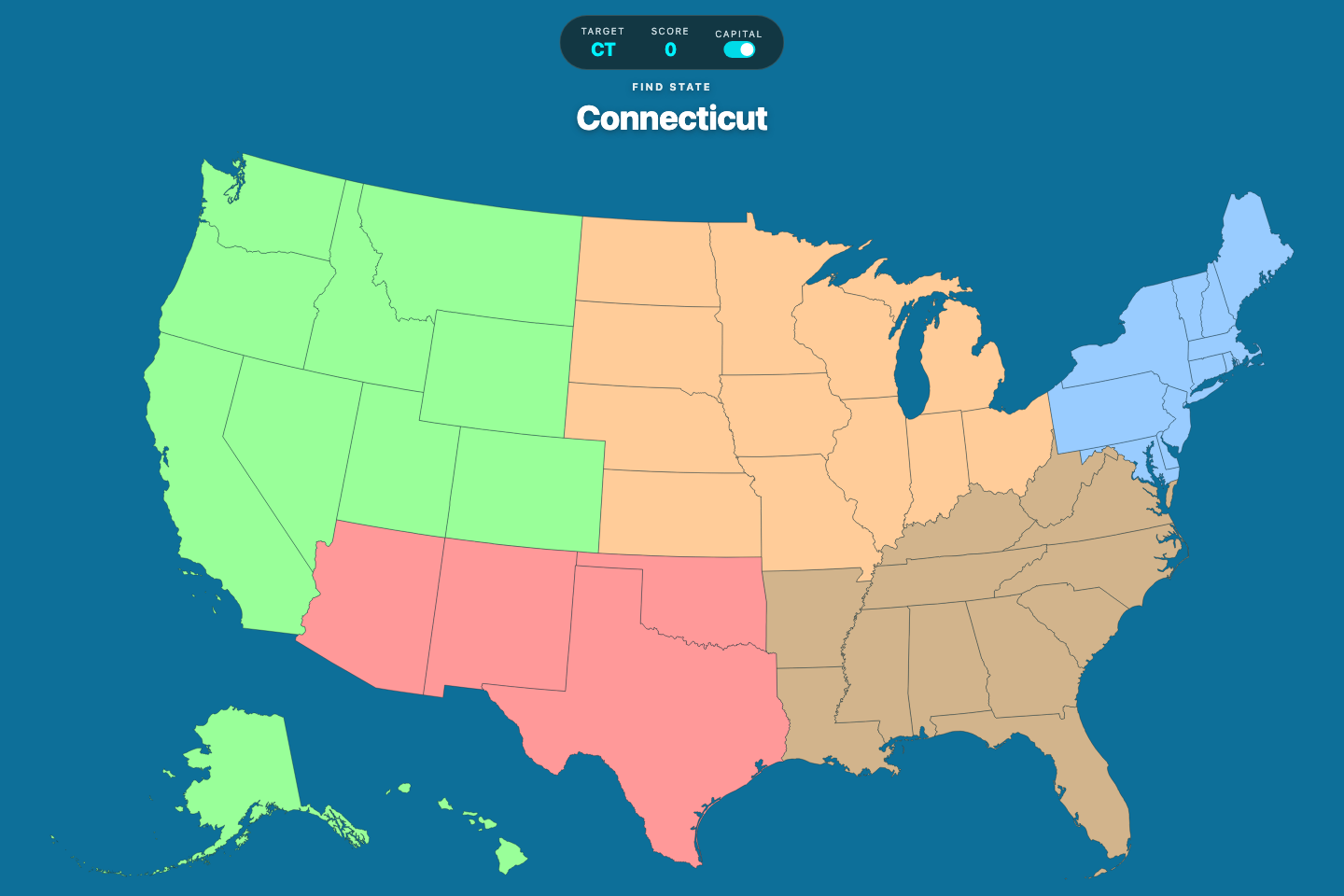
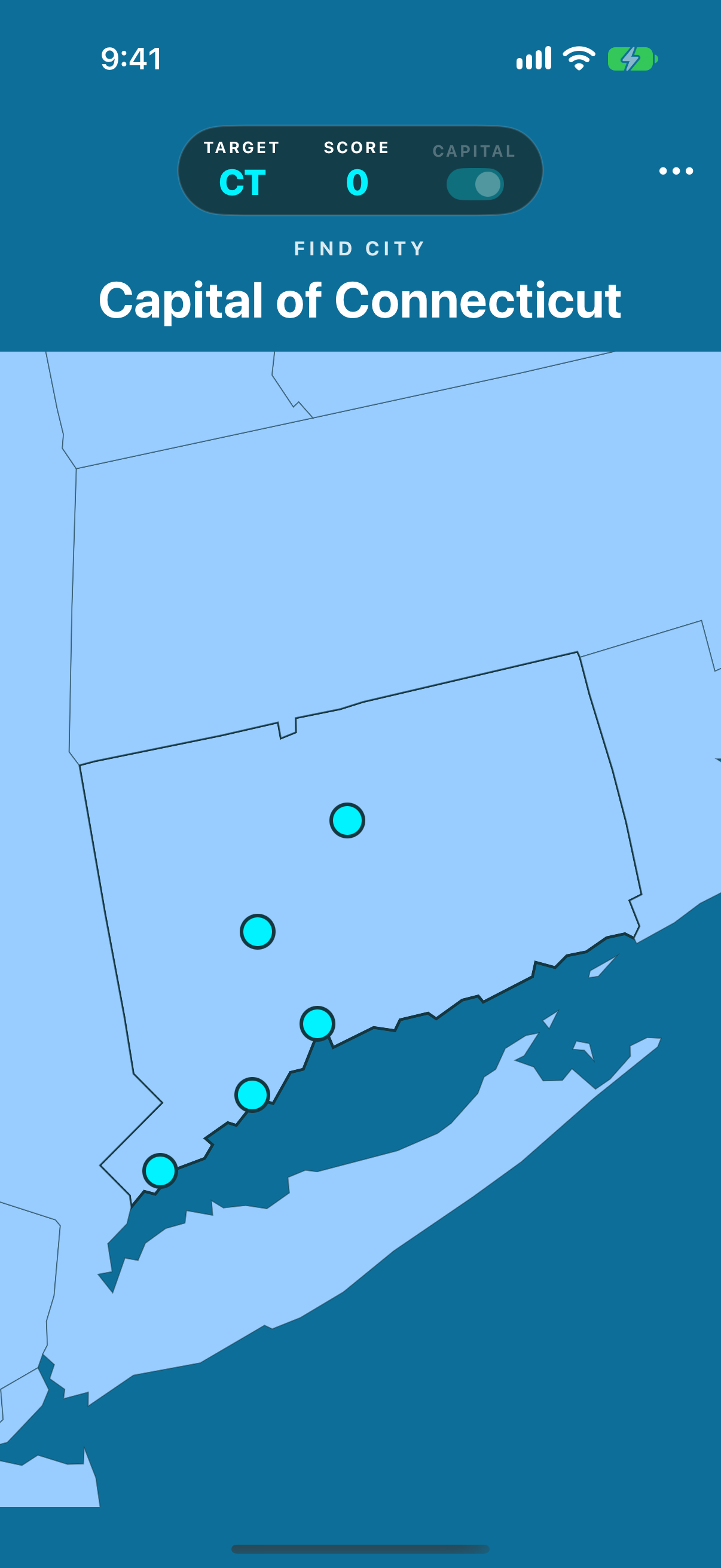
US Map turns the familiar outline into a two-part challenge. Locate the state, then find a city inside it. Capital mode asks for the state capital; Fact mode gives you a city clue. Each answer brings a little more geography into focus.
INSIDE AN ACTUAL ROUND
From the state outline
to the city inside.
Find the state, then explore its cities. A little more to discover with every answer.


US Map, ready when you are.
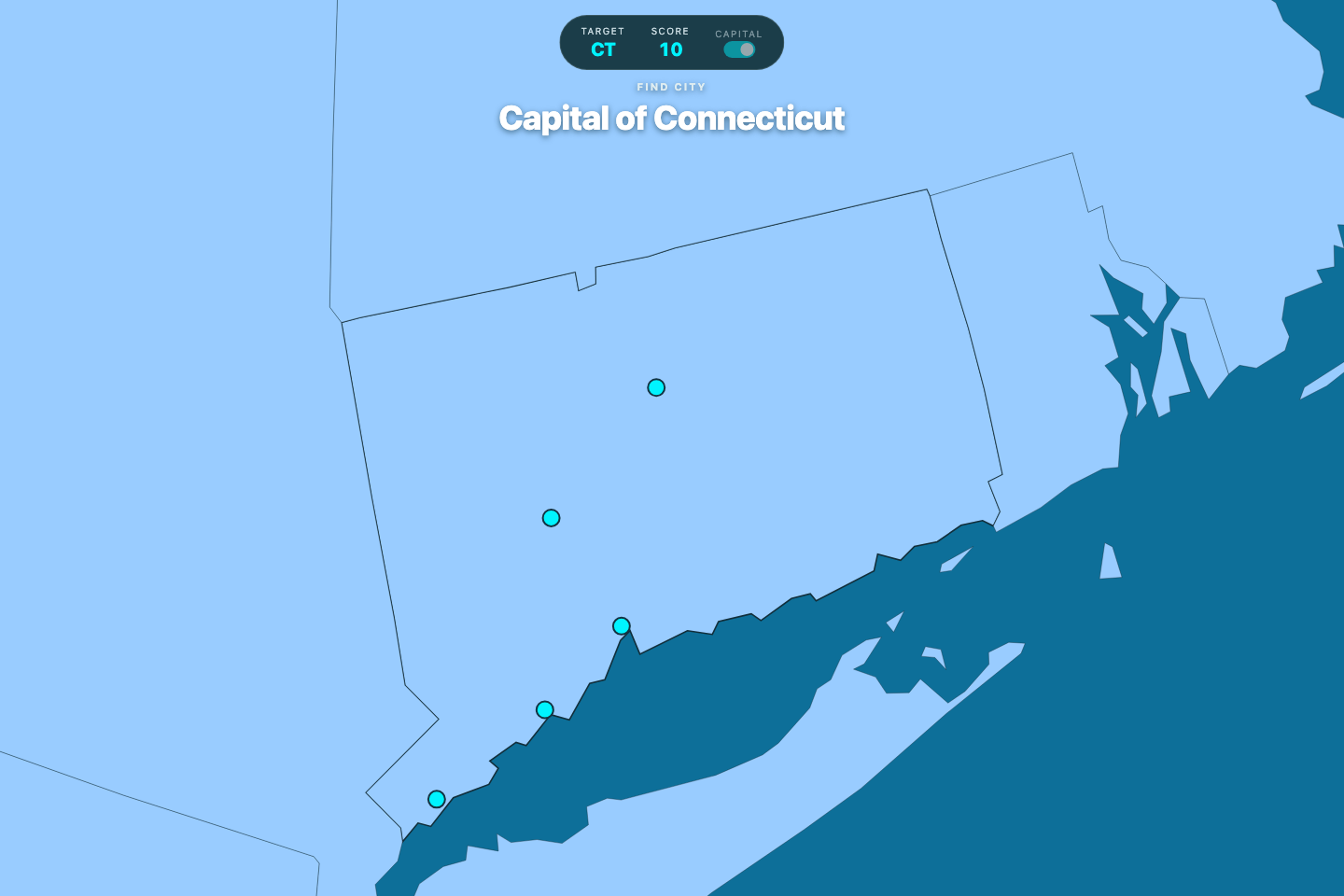
Load the actual app below. Choose your next answer on the map, or open it full screen for more room.
A LITTLE MORE TO KNOW
Good questions.
How does a round work?
First find the named state. The map then zooms into it and shows city markers. In Capital mode, select the capital; in Fact mode, select the city that matches the clue.
How does scoring work?
A correct state or city adds 10 points; a wrong selection subtracts 10. Wrong city answers show a fact and let you try again. The native app retains your current round when you close it.
Does it include Alaska and Hawaii?
Yes. All 50 states are included, with Alaska and Hawaii shown in the map projection.
Can I zoom and move around?
Yes. Zoom and pan the map to explore state boundaries and city markers. The map also zooms to the state after a correct selection.
Can I play on iPhone, iPad or the web?
Yes. The native iPhone and iPad app includes its maps and city facts, works offline, and retains your current round. You can also play directly here in your browser.
A LITTLE MORE TO EXPLORE
One more place.
One more discovery.
The next round is waiting for you.
Try US Map