A microphone for each person.
Two-way voice translation makes the speaking direction clear, with spoken output when the language supports it.
 OpenTalk
FOR THE CONVERSATION
Speak, read, and listen in both directions. A focused translator for clinical conversations, with the AI on your device.
On-device AI Offline access
iPhone · iPad · Mac · Web
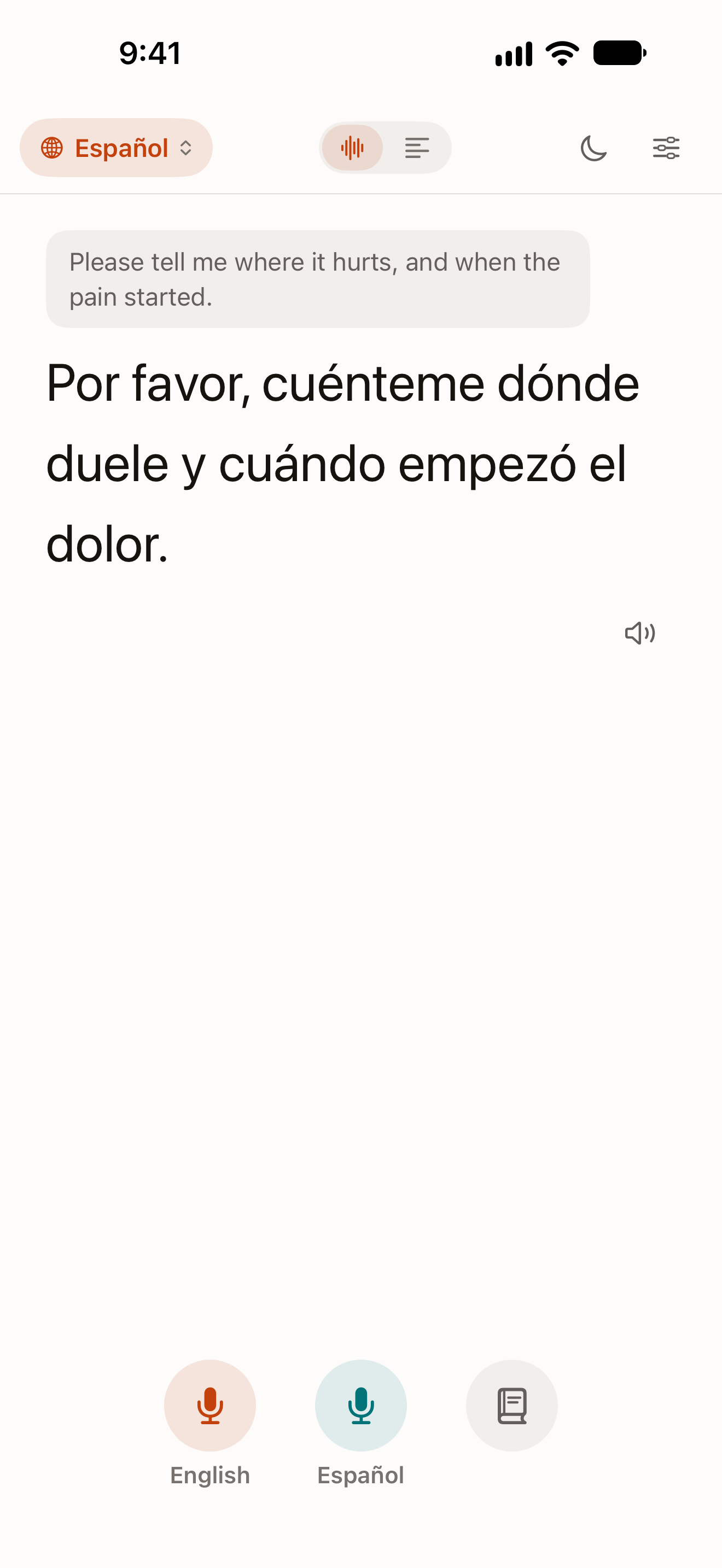
Two-way voice translation makes the speaking direction clear, with spoken output when the language supports it.
Paste or type a message. Keep the original, translation, and key facts together for a closer look.
A medical translation model, clinical phrases, and visible details help you review the conversation.
A CLOSER LOOK
Follow a clinical greeting and explore suggested phrases in the real iPhone app.
A microphone for each person.
02Text when you need it.
03Clinical language, considered.
20-second continuous recording · Physical iPhone · Silent.
ON YOUR DEVICE
Local models. A local workflow. More control over where your words go.
The native app runs its model on your supported Apple device.
Installed knowledge and models remain available without internet.
The native AI workflow does not send your question or message to a cloud model.
Local inference needs no cloud API credits or per-answer server processing fees.
Install the app and required local assets first. Speech recognition and voice availability depend on the language and device. App pricing and availability are separate from cloud processing costs.
THE NATIVE INTERFACE

English and Spanish together, with the keyboard ready.
Actual physical-iPhone captures · September 29, 2026.
A communication aid, not a replacement for a qualified medical interpreter. Language support and quality vary.
A LITTLE MORE TO KNOW
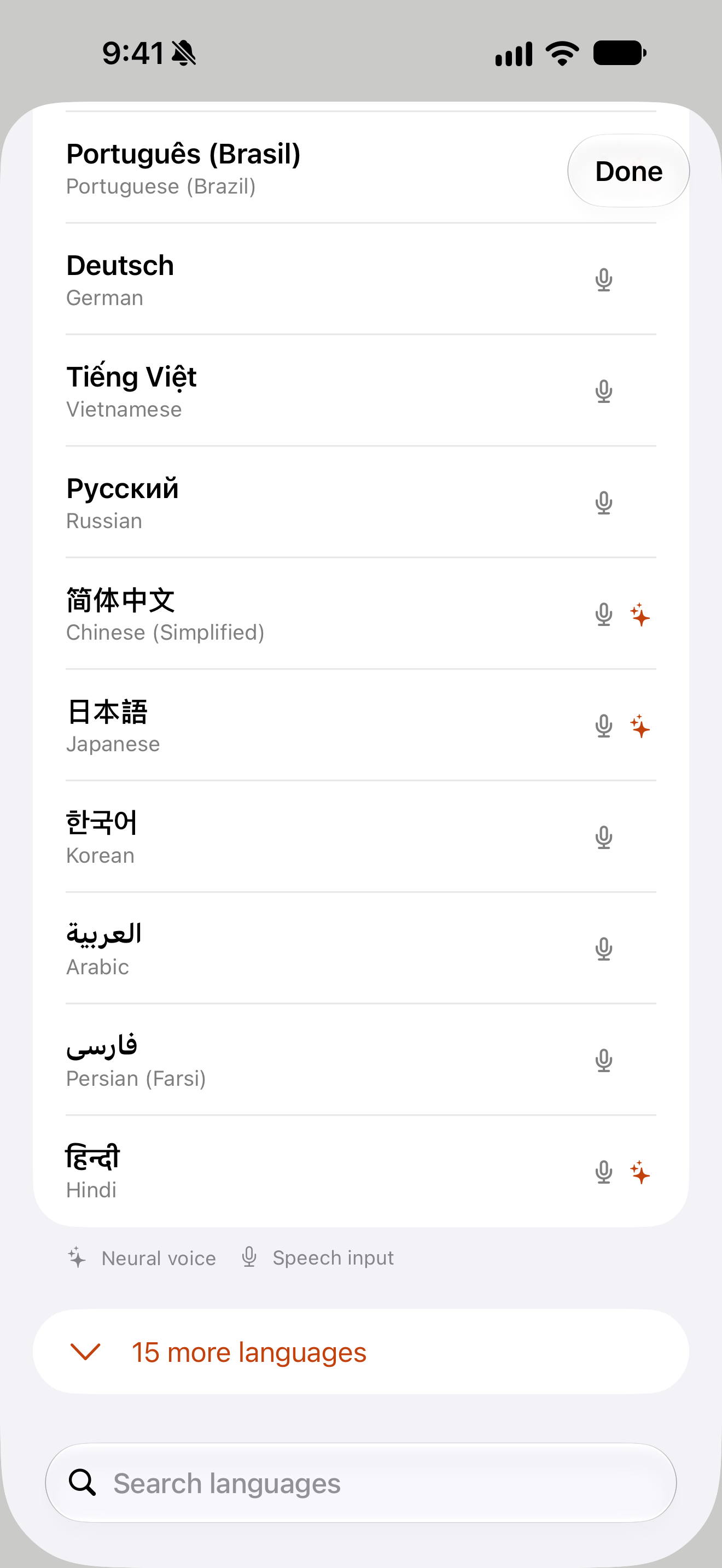
Choose a target language and use the microphone for the person speaking. OpenTalk translates into the other language and can read the result aloud. The other person can reply with their own microphone.
Yes. Switch to Text to translate a typed or pasted message. The original, translation, and visible key facts give you a place to check the details.
The native translation model runs locally. Install the model and the required recognition and voice assets before going offline. Voice support depends on the language, operating system, and device.
English and Latin American Spanish are the primary medical translation pair. The interface offers other languages, but availability, recognition, voices, and translation quality vary; additional languages are experimental.
No. OpenTalk is a communication aid. Use a qualified interpreter where needed and verify important details, especially medication names, doses, numbers, and instructions.
Native translations use the device’s local model, with no cloud API credits or per-translation cloud processing fees. App pricing and availability are separate.
The browser client connects to a local translation service on a compatible host. Native iPhone, iPad, and Mac apps run their own on-device model. Contact [email protected] for current availability and hardware requirements.